





Language Appointments
1. CONNECT YOUR PHONE OR COMPUTER USING ONE OF THESE OPTIONS:
ON CAMPUS:
- the valpo-user wireless network
- at the LINC kiosk computer in ASB 240
- at another lab computer connected to the wired campus network
OFF CAMPUS:
- the Valpo VPN (Virtual Private Network)
2. LOG IN TO TUTORTRAC
- Open TutorTrac (brown button below). Trouble opening TutorTrac?
– Make sure your phone or computer is connected to the Valpo network with one of the options above.
– Click “Trust” if you see an error message about the “Certificate.” - Use your Valpo username and password
– Ex: Peter Smith’s username = “psmith” / Password = Peter’s email password. - Click SEARCH AVAILABILITY (blue button on left)
- Under CENTER, click LINC: TUTORING
- Under SECTION, choose your language class, ex: SPAN 101
- Under REASON, choose the visit REASON (a, b, c, d, e, f)
- At the bottom, click SEARCH. Choose a date and time (scroll to the right for more dates).
- Jump to the GOAL box. Type a short phrase with your specific goal. For example: Conversation practice, Review past tense, Help with subjunctive, Exam 2 prep, etc.
- Click SAVE and wait for email confirmation.
3. NOTE ALSO
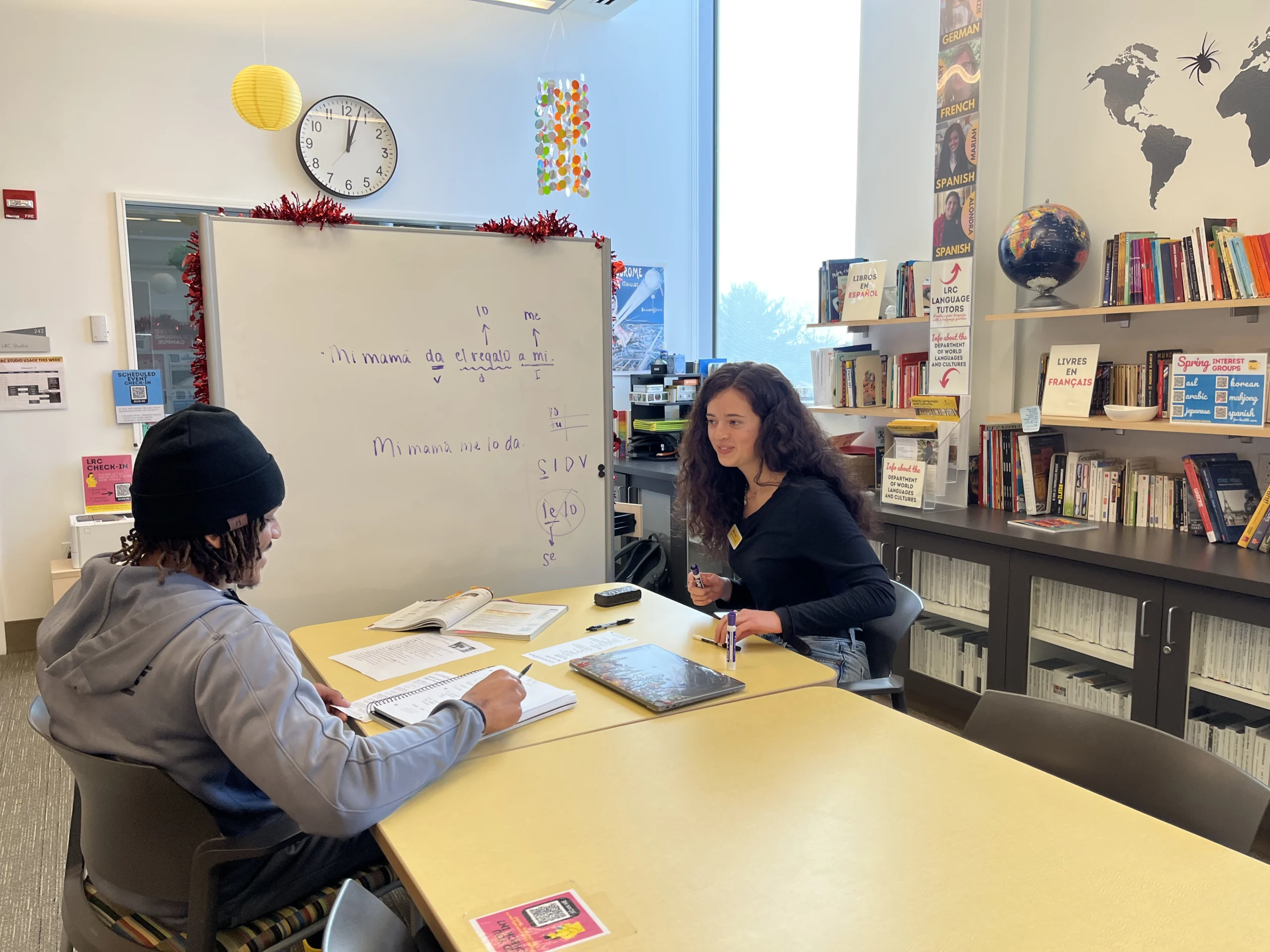
- LINC tutoring takes place in ASB 240 – Arts & Sciences Building, room 240.
- Tutoring hours begin Wednesday, September 9.
- If you have technical or other problems with TutorTrac, email linc@valpo.edu or stop by to see Director Goss in ASB 240.
Visit LINC
• LOCATION – ASB 240
Arts & Sciences Building, main level
• HOURS
Mon – Thur • 9 am to 8:30 pm
Fri – 9 am to 4:30 pm
• DIRECTOR – Carol Goss, M.A.
ASB 240, (219) 464.5764
linc@valpo.edu